Logo Placeholder

1. Product & Positioning Overview

Name: My Alert Buddy

Model: Direct‑to‑consumer, unmonitored wearable safety device with rich alerts to caregivers.

What it is (customer‑facing story):

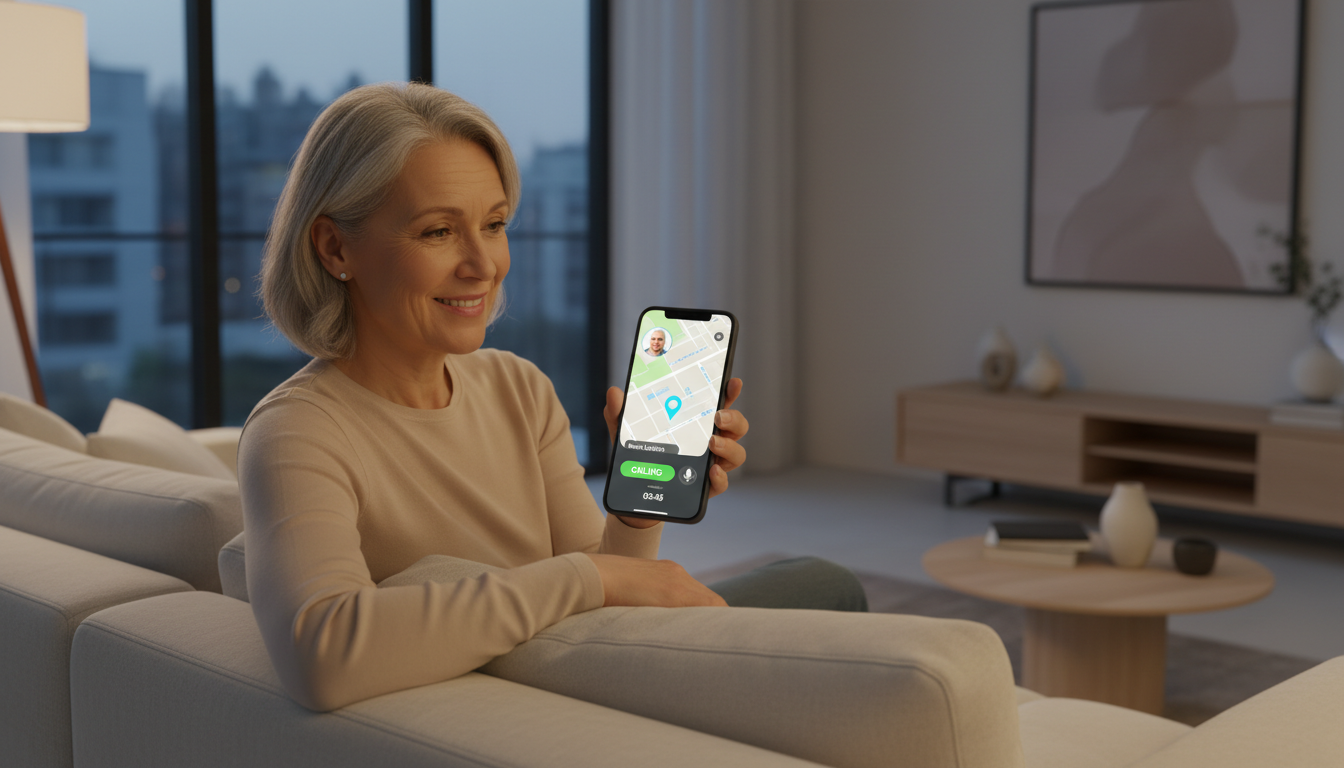
My Alert Buddy is a small, cellular safety companion worn by your loved one. If they fall, wander, or press the panic button, their chosen caregivers instantly receive a secure text link with:

If needed, your loved one can press a dedicated 911 button at any time.

Pricing (simple & transparent):

Device: $150 (paid in full) or $175 over 12 months.

Service:

Monitoring model:

2. Why My Alert Buddy Is Better Value Than Top Brands

From MedicalAlertBuyersGuide.org’s 2025 Best Medical Alert Systems:

Typical users pay $30–$50/month plus device/activation fees for:

2.1 Cost comparison (2‑year, typical scenario)

Legacy providers (illustrative):

So typical 2‑year cost: ~$940–$1,040.

My Alert Buddy:

Savings per loved one over 2 years:

2.2 Feature comparison (high‑level)

Feature / Provider Legacy Systems (Bay Alarm, Lifeline, etc.) My Alert Buddy
Monthly fee $27.95–$50+ $9.99–$12.99
Activation / programming fee Often $99–$199 $0
Device ownership Often rental You own the device
Works outside home Only mobile models; extra cost Yes, always (built‑in LTE + GPS)
Automatic fall detection Add‑on fee (often +$10/month) Included in core design
GPS + geofencing Available only on select mobile plans Standard
Images from device Rare / generally no Yes – photo on alert
Two‑way audio with family Mostly call center only Direct family two‑way audio
Alert routing To monitoring center, then they call family/911 Directly to caregivers you choose + 911 button
Magic‑link SMS (no login needed) No Yes
Contract Often needed for best pricing Not required

Consumer‑facing message:

“Most medical alert systems cost $30–$50/month just to connect you to a call center. My Alert Buddy costs under $10/month and gives your family live location, photos, and two‑way audio—so the people who love you most can act immediately.”

3. Go‑to‑Market Plan (Phase 1: D2C Online, US Only)

3.1 Initial focus (0–6 months)

Geography: United States only.

Channel: Direct‑to‑consumer, online.

Target personas:

Messaging: “Know what’s happening in seconds, not minutes.”

Storytelling angle: Real‑life scenarios (mom falls in the garden; you get an instant SMS with map + photo + audio).

Messaging: “Early wandering alerts before a crisis.”

Value: Geofencing + GPS lets families know when someone leaves a safe zone.

Messaging: “Stay independent with protection you can actually afford.”

Emphasize: No contracts; under $10/month with a one‑time device purchase.

Key storytelling themes:

3.2 Tactics

Search + Social Ads

Landing page + SEO content

Email sequences

Trust assets

4. Phase 2: B2B (Month 6+)

Once D2C traction and unit volumes raise purchasing power for components and SIM/data:

B2B value proposition (more clinical/data‑driven):

5. Market Size (TAM), ROI & Valuation Scenarios

5.1 Defining TAM (Total Addressable Market)

For My Alert Buddy, a reasonable TAM (Total Addressable Market) framing:

5.2 Example unit economics recap (investor‑facing)

At volume:

Service cost: ≈ $1.05–$1.60/month.

Year‑1 economics (annual plan):

5.3 ROI for an investor – example scenarios

We’ll assume a pre‑revenue seed‑stage company now; these are just illustrative, but give you talking points.

Assumptions:

Scenario A: $1M invested at $8M post‑money

Scenario B: $2M invested at $15M post‑money

Scenario C: $5M invested at $25M post‑money

You can frame it simply:

“In a $12B+ US TAM (Total Addressable Market), a company that reaches even 1% penetration (600k users) at >$250/year in revenue is a $150M+ revenue business. Strategic acquirers in this category routinely pay multiples of revenue for high‑growth assets with strong margins. At scale, My Alert Buddy can deliver 70%+ gross margins, which makes a $100M–$300M exit plausible on modest penetration.”

6. How This Sounds in a Short Investor Pitch

Here’s a compressed narrative you can drop into a deck or say out loud:

“My Alert Buddy is a modern alternative to legacy medical alert systems. Where today’s leaders charge seniors $30–$50 a month for a rented box and a call‑center connection, we deliver an all‑in‑one cellular wearable that sends rich alerts directly to family: GPS location, a real‑time photo, and two‑way audio—at under $10 a month.

We sell the device for $150 (or $175 on a payment plan) and charge $9.99–$12.99/month. At scale, our first‑year gross margin per user is around $200, with 70%+ gross margins and a US TAM (Total Addressable Market) of about 60M seniors, or $12B+ in first‑year device‑plus‑service revenue opportunity.

We’re starting D2C online in the US with emotionally resonant caregiver storytelling, then layering in B2B distribution through home‑care agencies and senior living communities at month six, when our volumes support deeper hardware cost reductions.

For investors, a $2M check at a $15M post‑money stake can translate to a 10–20× outcome if we reach even a small single‑digit percentage of the market and are acquired at $150–$300M by an incumbent medical alert or home‑care platform.”

My Alert Buddy Technical Document

1. System Overview

My Alert Buddy is a cellular, wearable safety device for seniors and dementia patients that:

2. Hardware Architecture

2.1 High‑Level Block Diagram (conceptual)

MCU / main SoC: XIAO ESP32‑S3

Connectivity:

Sensors & peripherals:

Power:

Mechanical:

2.2 Core MCU: XIAO ESP32‑S3

Chipset: ESP32‑S3 (dual‑core Xtensa LX7, 240 MHz, BLE + Wi‑Fi).

Reasons for selection:

Key interfaces used:

2.3 Cellular Modem

Module: SIM7600G / SIM7670G (region‑appropriate).

Functions:

Interfaces:

2.4 GNSS / GPS

Option 1 (simpler): Use modem’s integrated GNSS.

Option 2: Dedicated u‑blox GNSS (e.g., NEO series).

2.5 Motion Sensor: ADXL345 Accelerometer

Interface: I2C.

Role:

2.6 Camera: OV2640

Type: 2 MP CMOS camera, typical for ESP32 camera modules.

Interface:

Usage:

2.7 Audio: Microphone & Speaker

Microphone:

Speaker:

Use cases:

2.8 User Interface: Buttons & LEDs

Buttons:

LED:

Vibration motor (optional but recommended):

2.9 Power System

Battery:

Charging:

Target charge rate: 1–1.5 C/3–4 hrs full charge.

Protection & management:

Power design principles:

2.10 Mechanical & Environmental

Target dimensions: 60 × 50 × 20 mm.

Enclosure:

Ingress protection:

3. Firmware Architecture (On‑Device Software)

3.1 Platform

MCU: ESP32‑S3.

OS: ESP‑IDF with FreeRTOS (recommended).

Language: C / C++ for real‑time parts; optional MicroPython/Lua for higher‑level logic is possible but not recommended for v1.

3.2 Core Tasks / Modules

System Manager Task

Connectivity Manager

Location Manager

Sensor/Fall Detection Manager

Camera Manager

Audio Manager

UI Manager

Alert Orchestrator (Core State Machine)

Config & Secure Storage

OTA Update Manager

3.3 Event Flow Examples

Manual panic alert:

Fall‑detected alert:

Geofence breach:

4. Backend / SaaS Architecture

4.1 High‑Level Components

4.2 Core APIs (Device Side)

All over TLS 1.2+.

Device registration / check‑in

Alert creation

Media upload

Status/telemetry

Command channel

4.3 Core APIs (Caregiver Side)

4.4 Notification Layer (Twilio SMS)

On alert creation, Notification Service:

5. Security & Privacy

On device:

In transit:

Access control:

Data retention:

6. Roadmap Notes (Out of Scope for v1 but Good to Capture)

Future features: